
How to Use Small-Class Live Replays? From Absence Make-Up to Secondary Conversion
Small-class live replay is not just an archive. It supports absence make-up, key content review, parent re-engagement, and secondary course conversion through replay data and follow-up operations.
The value of a small-class live session does not end when the live session ends.
For education institutions, replay is not simply an after-class recording. It is an important content asset that connects absence make-up, key content review, parent re-engagement, and course conversion.
Much of the loss in small-class live streaming happens on the day of the session: some users reserved but did not attend, some students left halfway, some parents listened to part of the content but did not have time to consult, and some users were interested in the course but did not purchase immediately.
If these users are lost after the live session, the previous reach, reservation, and classroom preparation are wasted. A better approach is to include replay in the operations flow, allowing users who missed the session to watch later, interested users to continue learning about the course, and instructors or advisors to follow up based on replay data.
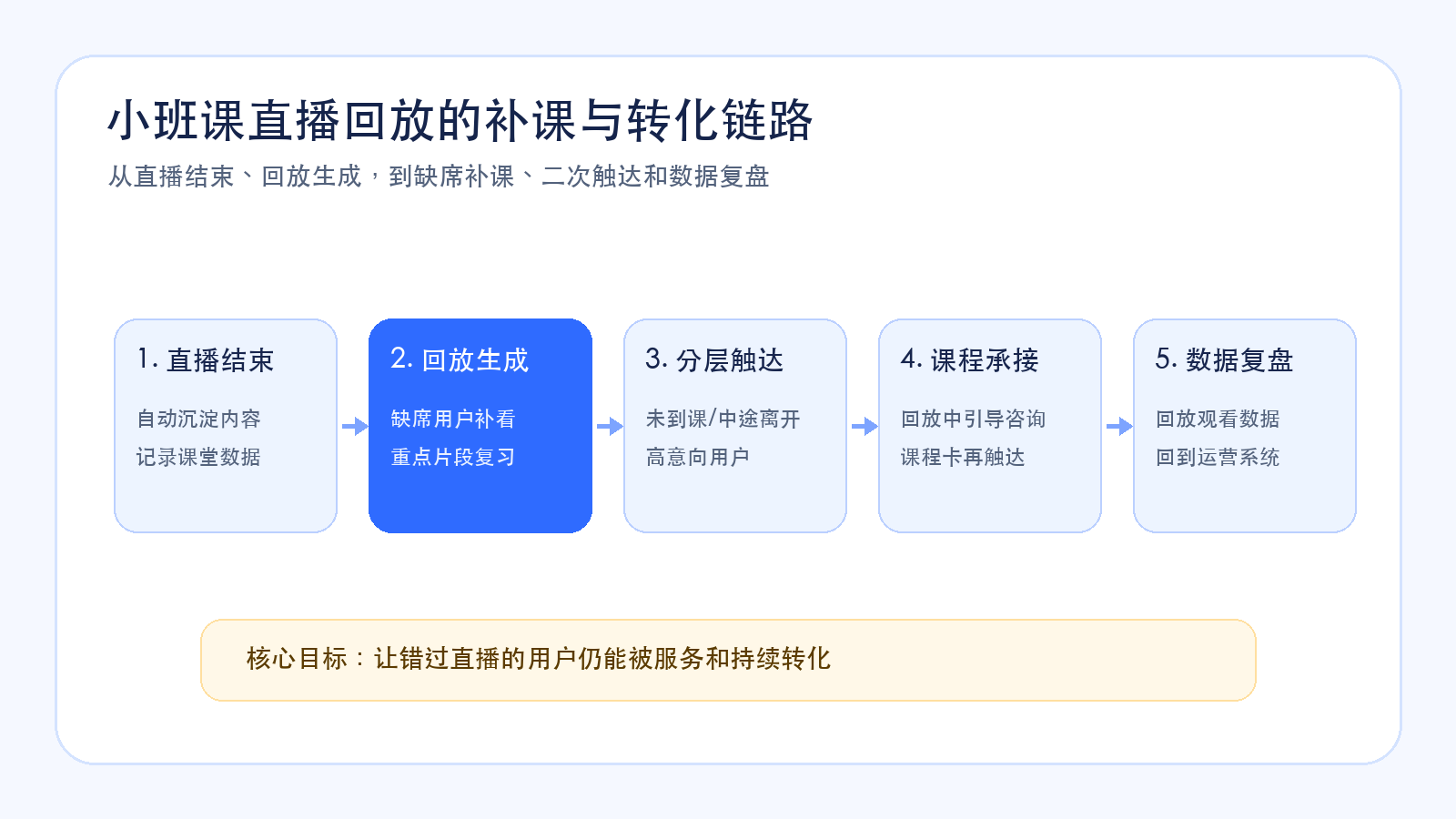
In short: small-class live replay is not just an archive. It is an after-class operations entry. Users who missed the live session can use replay to make up the class, users who left halfway can review key parts, high-intent users can understand course value again, and institutions can run segmented follow-up based on replay viewing and interaction data.
01 Why Should Small-Class Live Streaming Pay Attention to Replay?
Small-class live streaming often faces a practical issue: user time is not always controllable.
Parents may have sudden schedule conflicts, students may miss the start time, network conditions may be unstable, or class time may conflict with other arrangements. These situations can prevent reserved users from fully participating in the live session.
Without replay, users who missed the class can only wait for the next session or rely on instructors and advisors to explain individually. This consumes manpower and can reduce user interest.
The value of replay is turning live content into a content asset that can be used continuously.
For absent users, replay supports make-up learning. For users who attended but did not finish, replay supports review. For parents who are interested but hesitant, replay can show the instructor, classroom atmosphere, and course value again.
02 Which Users Are Suitable for Replay Follow-Up?
The first group is users who reserved but did not attend.
These users have already expressed interest, but did not enter the live room due to time, entry path, or reminder issues. After class, institutions can send replay links with another live session or consultation entry, reducing the cost of missing the class.
The second group is users who left halfway.
They may have entered the live room but missed course value explanation, course card display, or Q&A. Replay can help them watch key parts and help operations teams understand when and why they left.
The third group is users who watched completely but did not convert.
These users spent time understanding the course, but did not complete consultation or purchase. Replay can serve as secondary reach content, paired with course explanation, parent Q&A, and advisor follow-up to help them continue making decisions.
The fourth group is purchased users.
For purchased users, replay can be used to review class content, revisit instructor explanations, and check material instructions, improving follow-up learning service experience.
03 How Should Replay Work with WeChat Private-Domain Reach?
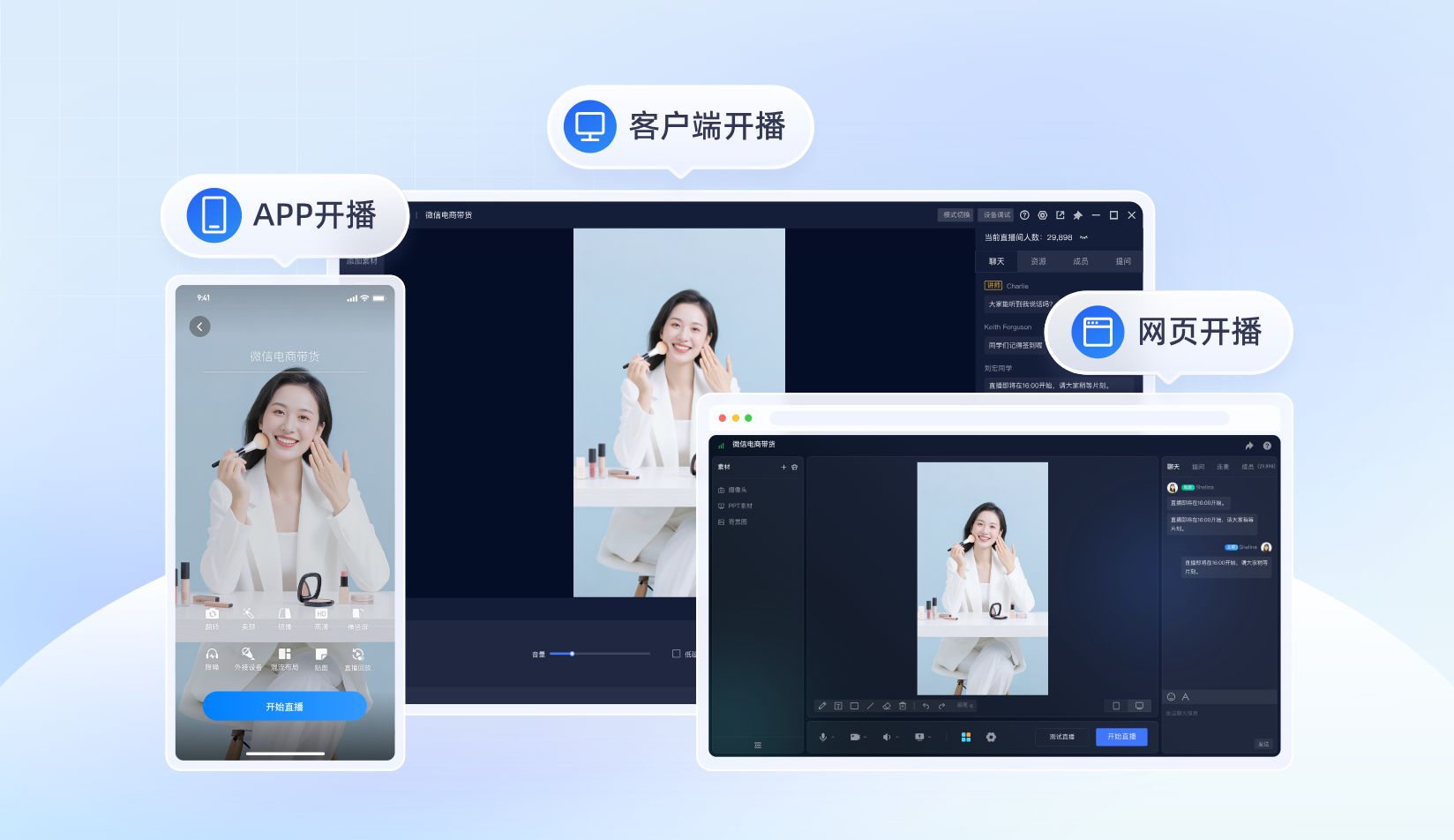
Replay needs to be delivered where users can easily open it.
If the replay entry is hidden in the backend, users are unlikely to look for it actively. For education institutions, WeChat groups, enterprise WeChat, official accounts, and mini program messages are all important replay reach channels.
For example, after class, institutions can remind users in WeChat groups that the replay is ready. For users who reserved but did not attend, advisors can send replay links through enterprise WeChat. For purchased users, replay can be provided inside the mini program or App. For high-intent users, replay can be paired with course explanation and consultation entry.
Replay reminders should also explain value clearly.
Instead of only saying “the replay is ready”, the message should tell users which part is worth watching: the first 10 minutes may be trial course review, the middle section may explain the learning path, and the later section may explain class types and services. This makes users more likely to open the replay and understand course value.
04 Can Replay Still Support Course Conversion?
Yes, but the approach should be restrained.
Replay is not a repeated hard sell. It gives users another chance to understand classroom content and course value. For education institutions, replay-based conversion can focus on three moments.
First, the course value moment. When the instructor explains learning paths, capability improvement, and classroom goals, replay follow-up can provide course explanations or consultation entry.
Second, the Q&A moment. Common parent questions, class type explanations, pricing, and service arrangements are suitable to highlight when sending replay links, helping users quickly find what they care about.
Third, the next-action moment. After watching replay, users can enter consultation, reserve a trial class, purchase a course, or sign up for the next live session.
In other words, the conversion value of replay is not forcing sales, but helping users who missed the live session or did not decide immediately move one step forward.
05 How Can Replay Data Support After-Class Segmentation?
Replay also generates behavior data.
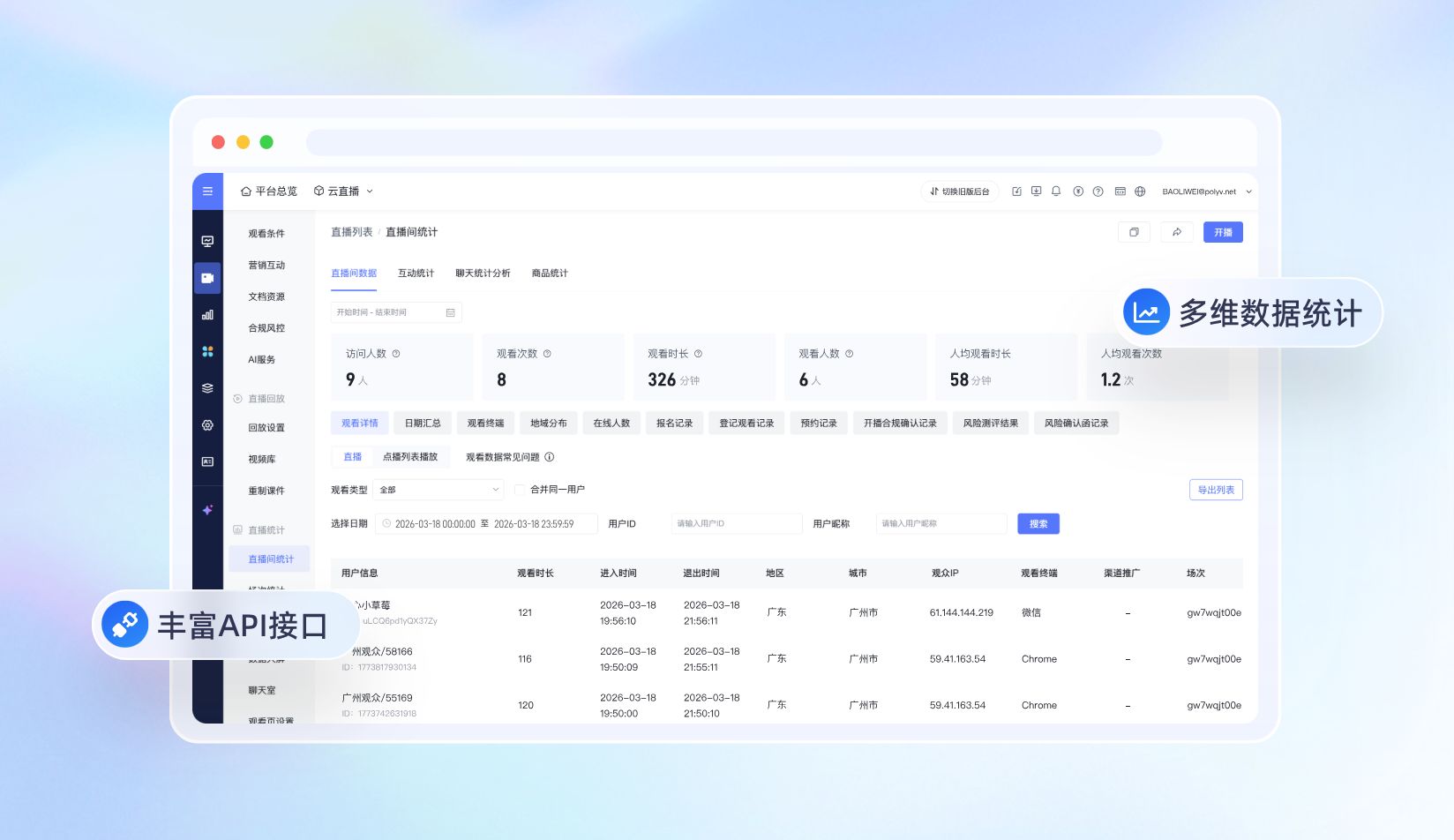
Who opened the replay? How long did they watch? Did they watch key sections? Did they click a course card or consultation entry after watching? Did they watch repeatedly but still not purchase? These signals help institutions judge user intent.
For example, a user who reserved but missed the live session and then watched the full replay may still have strong interest. A user who left halfway during the live session but watched key replay sections can continue to be followed up. A user who repeatedly watches the course explanation but does not purchase may need advisor support on class type or pricing.
If replay viewing data can be combined with live viewing, interaction, course card clicks, and order status, institutions can segment learners more accurately.
06 How Can POLYV Support Replay and Follow-Up Operations?
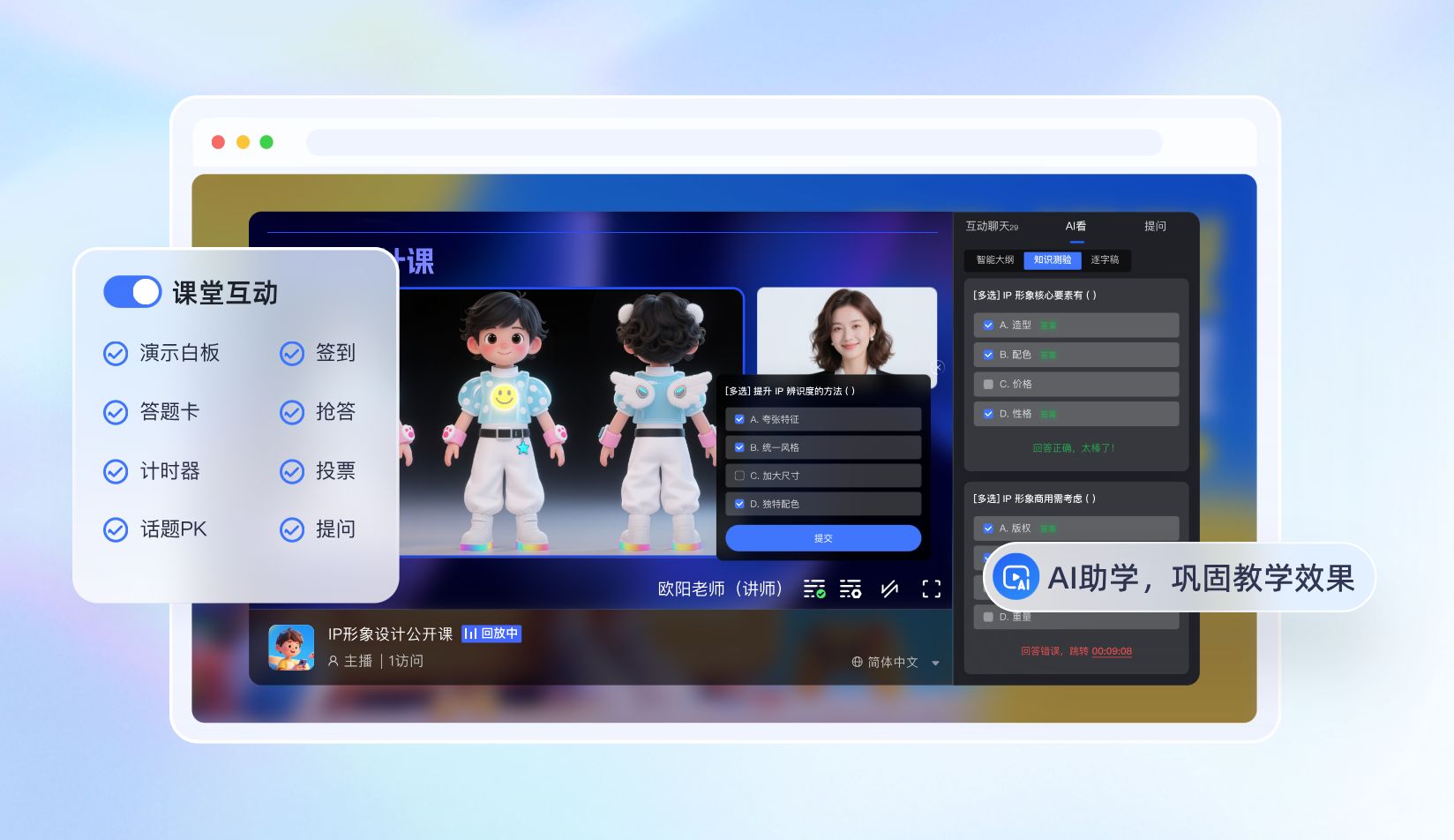
For small-class live replay and after-class operations, POLYV can provide live viewing, replay, classroom interaction, course or product recommendation, and data statistics, helping education institutions connect the live session with after-class follow-up.
In WeChat private-domain and mini program scenarios, POLYV supports native WeChat mini program integration as well as uni-app framework integration. Customers can choose among the Polyv viewing plugin, native live-player, and video player according to their mini program qualifications, player capabilities, and technology stack.
For institutions that already have Apps, mini programs, academic systems, course stores, order systems, or customer operation systems, POLYV can also use live SDK, Web viewing page SDK, Web interaction receiving SDK, player capabilities, and APIs to embed live viewing, replay, course cards, consultation entries, and data feedback into existing business workflows.
In this way, replay is not just a video file. It becomes an operations entry for make-up learning, review, consultation, and secondary conversion.
FAQ
1. Should small-class live replay be open to all users?
It depends on the course strategy. Public trial classes, parent meetings, and conversion briefings are usually suitable for replay. Formal paid classes can set viewing scope according to account rules, course policies, and copyright management.
2. Will replay reduce live attendance?
If the message only says “there will be replay anyway”, it may affect attendance. A better approach is to emphasize the value of live interaction and real-time instructor feedback, while positioning replay as a make-up and review tool.
3. What operational value does replay data have?
Replay data helps judge user interest. Users who missed the live session but watched the replay, repeatedly watched course explanations, or clicked consultation entries after replay can all be used as follow-up segmentation signals.
About POLYV
POLYV is a leading enterprise-grade video SaaS brand. From 2020 to 2025, POLYV ranked No. 1 on the Enterprise Live Streaming Service Provider Ranking for six consecutive years. Its core products and services include low-latency live streaming, video on demand, MR live streaming, digital humans, and live streaming studios, providing enterprises with integrated services such as private-domain video technology and platforms, content operations, and live streaming operations and execution for digital transformation.
Since its founding in 2013, POLYV has served the CCTV Spring Festival Gala live broadcast for six consecutive years. It has also provided video live streaming systems and services for large enterprises and financial institutions, including China Construction Bank, China Everbright Bank, Bank of Ningbo, Kingdee, Tencent, Huawei, iFLYTEK, Midea, and NetEase.