
How Do Art Examination Institutions Run Year-End Admissions Briefing Live Streams? 2026 Live Streaming Solution for Art Exam Recruitment Briefings
The year-end period marks a key window for art examination institutions to focus on student recruitment. Through admissions briefing live streams, institutions introduce major directions, curriculum systems, past admission results and teaching outcomes. They also invite current students to share exam preparation experience, build trust with prospective candidates and parents, and accumulate leads for training recruitment in the coming year.
Unlike ordinary product live streams, the persuasiveness of art exam recruitment briefings relies heavily on two elements: authentic experience sharing by senior students, and intuitive display of student works including hand-drawn pieces, portfolios, broadcasting videos and film and television editing productions. Prospective families are scattered across different regions, and many out-of-town candidates cannot attend on-site. Most guest speakers are current students joining remotely.
Such live streams impose multiple requirements: remote guest co-hosting, display of artwork materials, audience management within the live room, and content protection for recorded replays. Generic live streaming tools are limited in stable co-hosting, high-definition material switching, suspicious account handling and anti-recording protection. They often lead to interrupted sharing, blurry artwork display, leakage of curriculum information and unauthorized replay use by competitors, which directly hurt the conversion performance of recruitment briefings.
I. Pain Points for Art Examination Institutions Hosting Year-End Admissions Briefing Live Streams
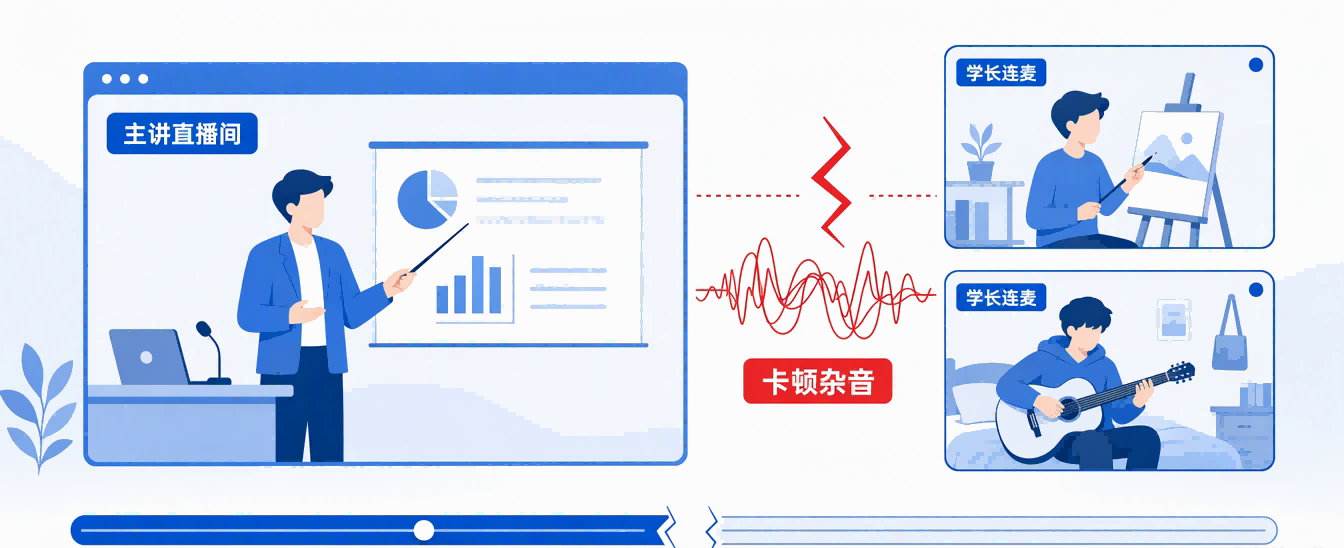
(1) Remote Guest Co-hosting Suffers from Lags and Noise, Undermining Credibility
Recruitment briefings usually invite multiple senior students as guest speakers to share their exam preparation journeys, learning insights and art exam tips. Most of these guests are enrolled students in different cities and can only join remotely. Standard co-hosting links lack stability, frequently resulting in stuttering footage, choppy audio, background noise and echo for remote participants. Sharing sessions get interrupted halfway.
Stories shared by senior students form the most persuasive segment of the briefing. Unstable co-hosting breaks the flow of sharing, leaving parents and candidates with fragmented information. The experience exchange meant to build trust becomes unpolished, lowering the institution’s perceived professionalism and service quality.
(2) Massive Artwork Materials Lead to Unclear and Disorganized Presentations
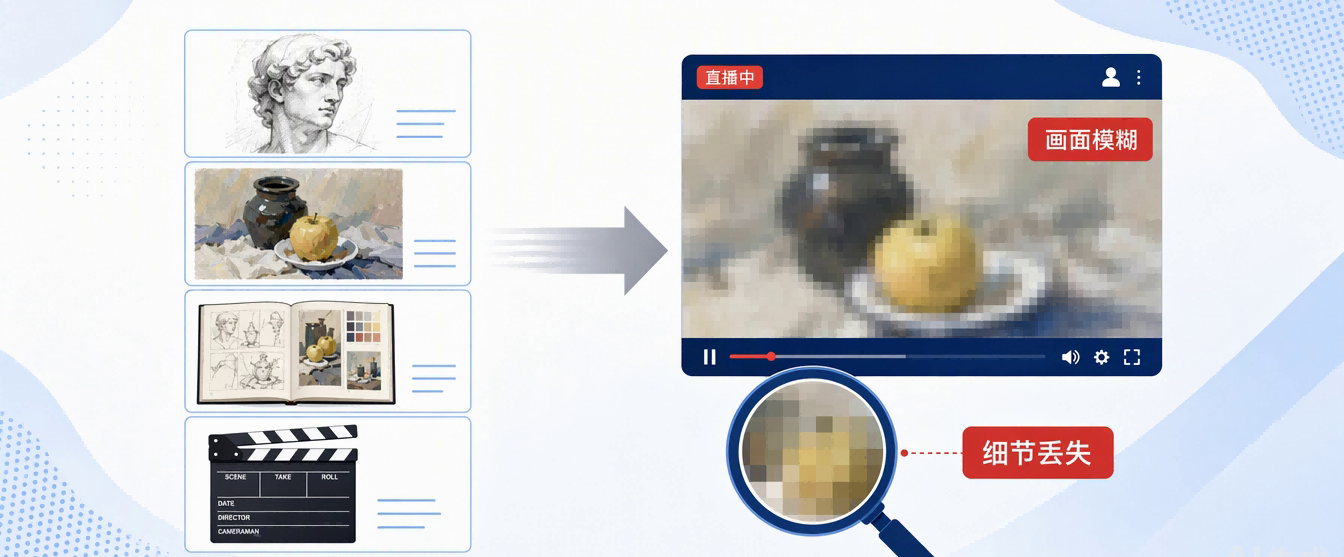
The teaching outcomes of art exam training are mainly reflected in student works, including hand-drawn sketches, color paintings, design drafts, portfolios, recorded broadcasting clips and edited films. These materials cover diverse formats and large volumes, requiring frequent switching between different works during live sessions. Generic tools have limited support for uploading and displaying content, resulting in low-resolution images and videos and messy, slow transitions.
Fine details such as painting brush strokes, layout designs and video texture, which demonstrate teaching quality, are hard to distinguish on blurry screens. Parents cannot accurately evaluate the institution’s actual teaching strength. The artwork showcase, which should serve as direct proof of capability, fails to drive sign-up conversions due to poor presentation quality.
(3) Unregulated Live Room Audience Risks Leakage of Tuition Pricing Information
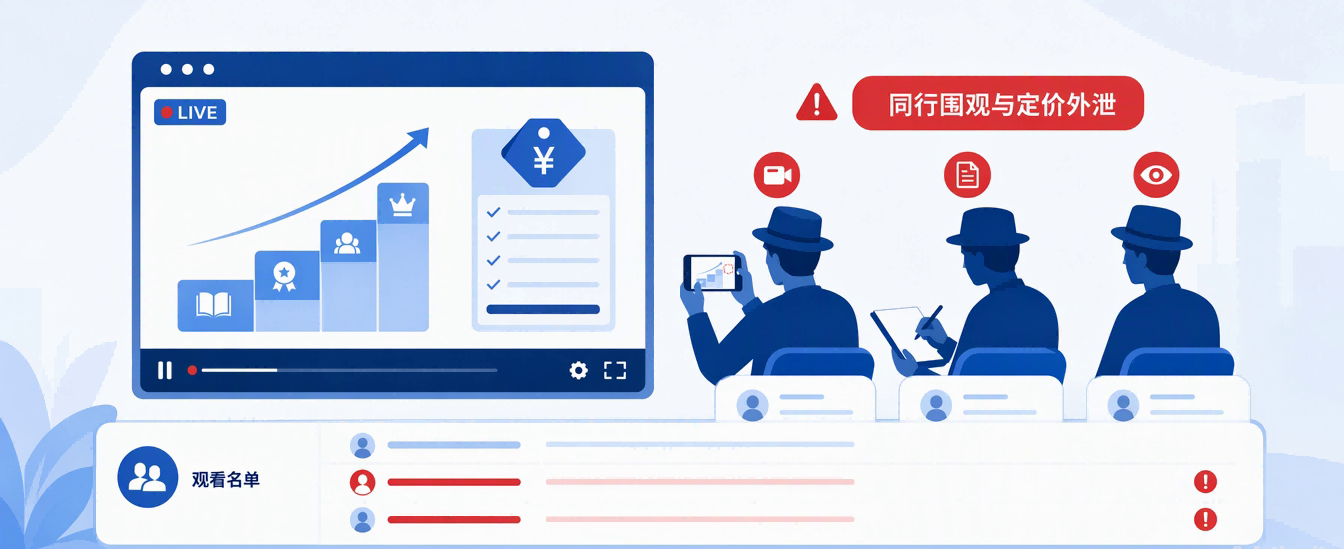
Admissions briefing live rooms are open to prospective applicants with low entry barriers, making it easy for competing institutions to sneak in. The briefings cover core commercial information including curriculum structures, fee standards, teaching plans and class grouping rules. Once competitors obtain such details, they may copy or imitate these arrangements.
Backend dashboards only show aggregate online viewer counts without identifying individual visitors. Administrators lack timely intervention tools when suspicious accounts appear. The more openly the institution introduces courses and pricing, the higher the risk of information leakage, weakening its competitive edge in student recruitment.
(4) Freely Forwardable Replays Leave Artworks Vulnerable to Unauthorized Use
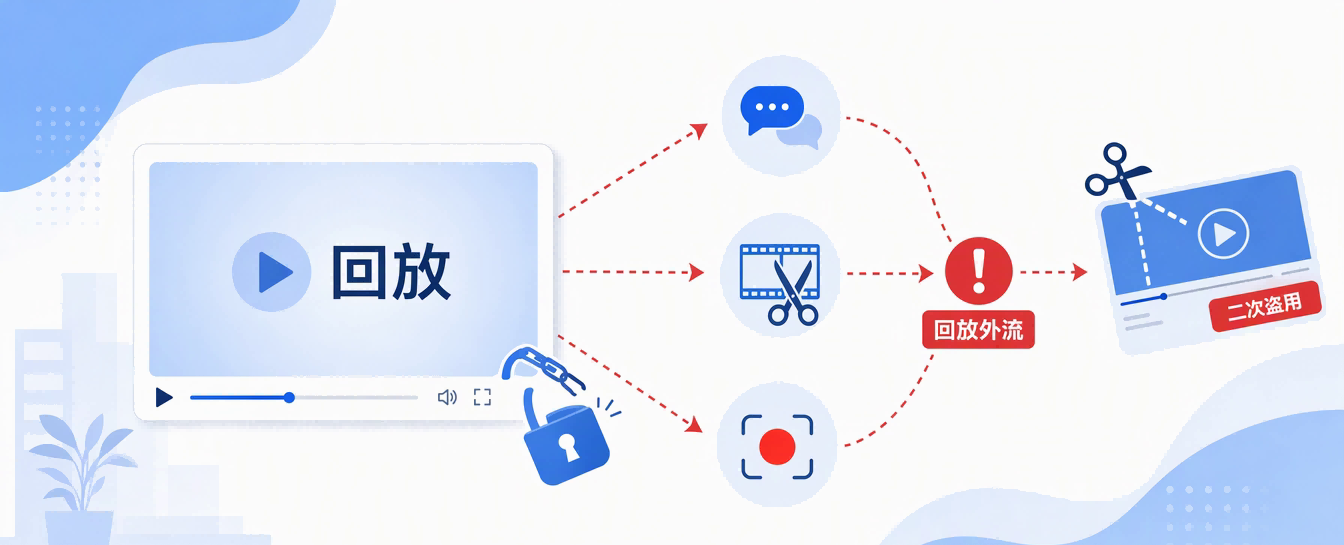
Replays are critical for capturing long-tail leads from families who miss the live session, allowing them to review major introductions and student sharing. Without protection measures, replay links can be forwarded freely. Competitors may record the full stream, clip course explanations, student artworks and student testimonials for their own promotions or reverse-engineer the institution’s teaching framework.
Student artworks and teaching achievements represent core assets accumulated over years. Unauthorized clipping and reuse damage the institution’s brand recognition and copyright of original works. Lacking anti-theft safeguards, institutions hesitate to display high-value content completely in replays, limiting the value of secondary distribution.
II. How Art Examination Institutions Build Year-End Admissions Briefing Live Streams
Polyv addresses four core demands of art exam institutions for recruitment briefings: guest co-hosting, artwork display, audience control and replay protection. It delivers a professional live streaming solution covering the full workflow from pre-live preparation, on-site sharing, achievement showcase to lead capture via replays, helping institutions reliably present teaching strength and authentic student experiences to prospective families.
(1) Low-Latency Co-hosting with Noise Reduction for Smooth Director Switching
The platform adopts PRTC low-latency co-hosting technology to support multiple remote senior students joining as guests. The link is equipped with built-in noise suppression and echo cancellation to filter background interference and deliver clear audio for speakers. The central control console supports unified director switching between the host and multiple guest feeds to maintain a smooth sharing rhythm.
Co-hosting can be combined with screen sharing of student artworks, so relevant pieces are displayed synchronously as guests talk about them. Remote sharing is no longer disrupted by network stutter and noise, keeping the briefing on track. Parents and candidates can listen to complete first-hand exam preparation accounts, preserving the persuasiveness of peer sharing sessions.
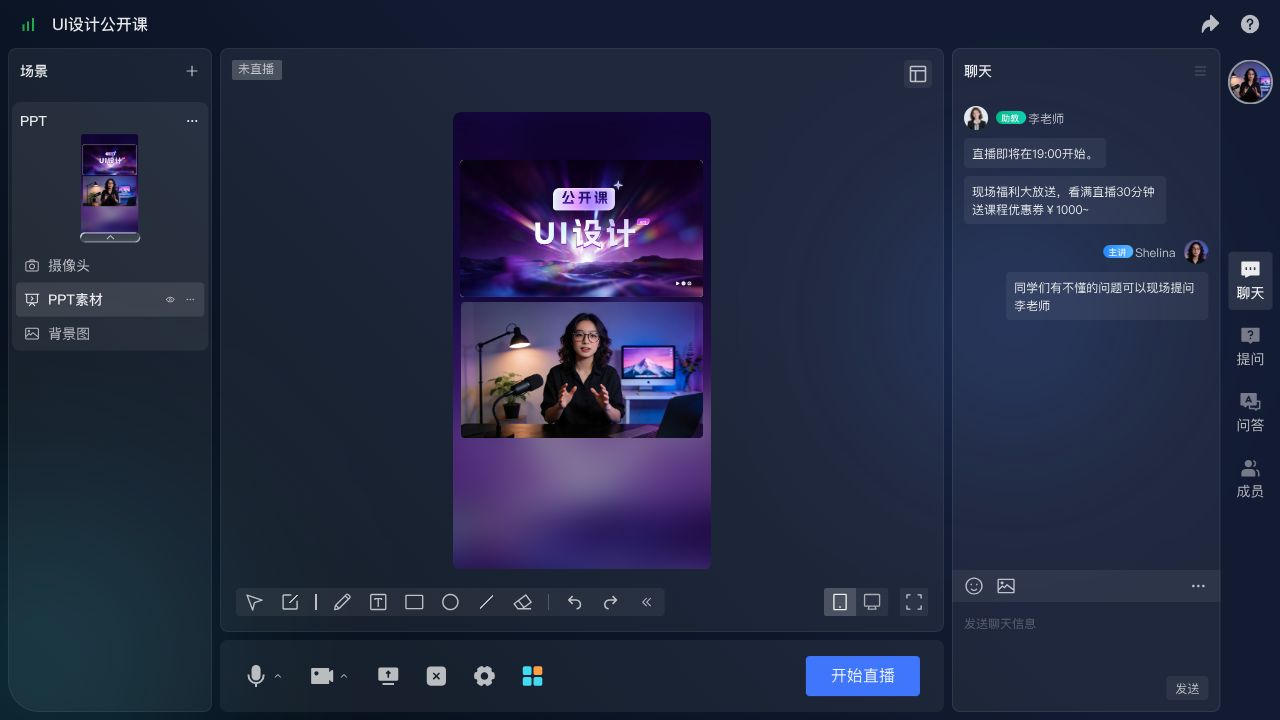
(2) Batch Upload of High-Definition Materials for Clear Artwork Detail Display
The live backend supports batch uploading of high-definition PPTs, images and short videos. Directors can switch between different material pages with one click during live streaming. Artworks are displayed in high definition with zoom-in functionality, making brushwork, layout details, broadcasting clips and edited films fully visible.
Works of various categories are arranged in presentation order, enabling clean and seamless transitions without blurriness or disorder. Parents can browse student works following the live flow and intuitively assess the institution’s teaching capacity and track record, turning artwork showcases into tangible proof of strength to support consultation and sign-up conversions.
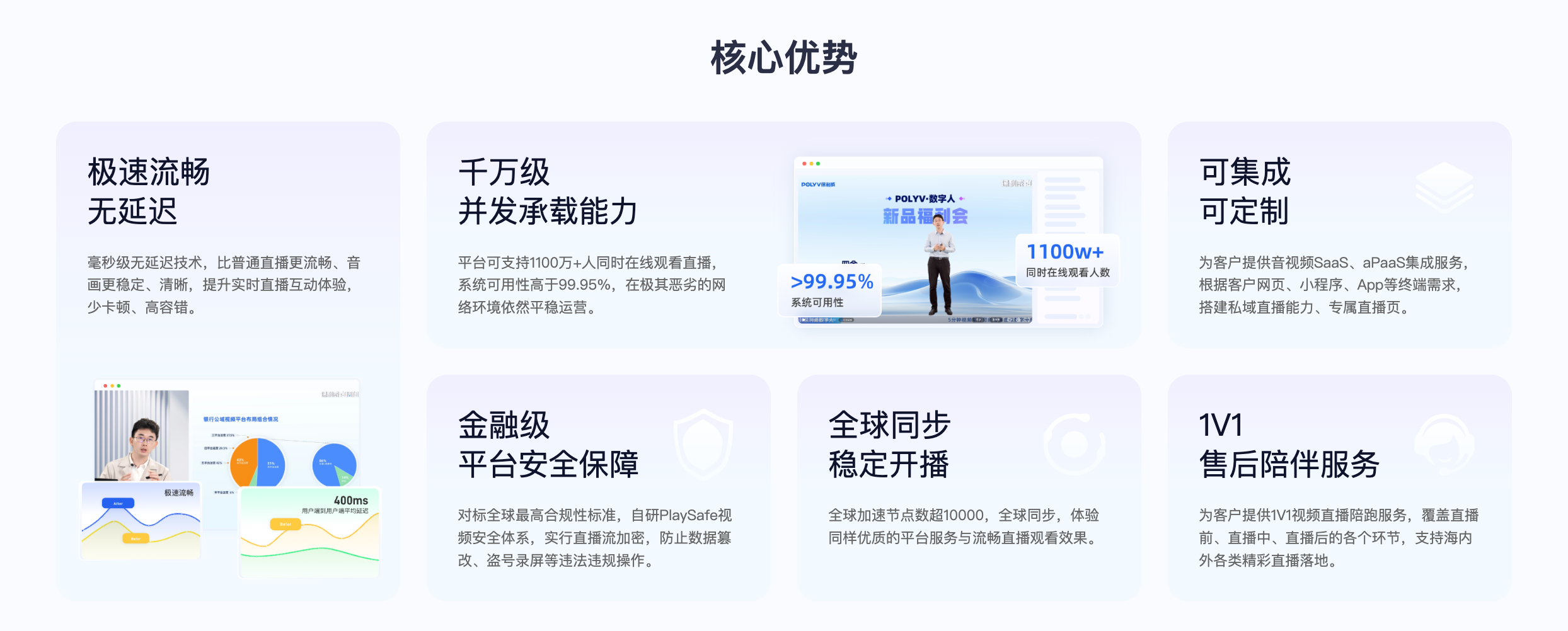
(3) Whitelist Access Control and Real-Time Handling of Suspicious Accounts
The live room supports whitelist access, so only qualified prospective visitors can enter. Administrators can view individual viewer IDs and source information in real time. If suspicious accounts or competing representatives are detected, admins can mute or kick them out directly from the backend to block unauthorized viewing.
Core commercial information such as curriculum systems, pricing and teaching plans is shared within a controlled scope, reducing the risk of intelligence gathering by competitors. Institutions can confidently introduce course settings and pricing strategies during briefings while safeguarding competitive information.
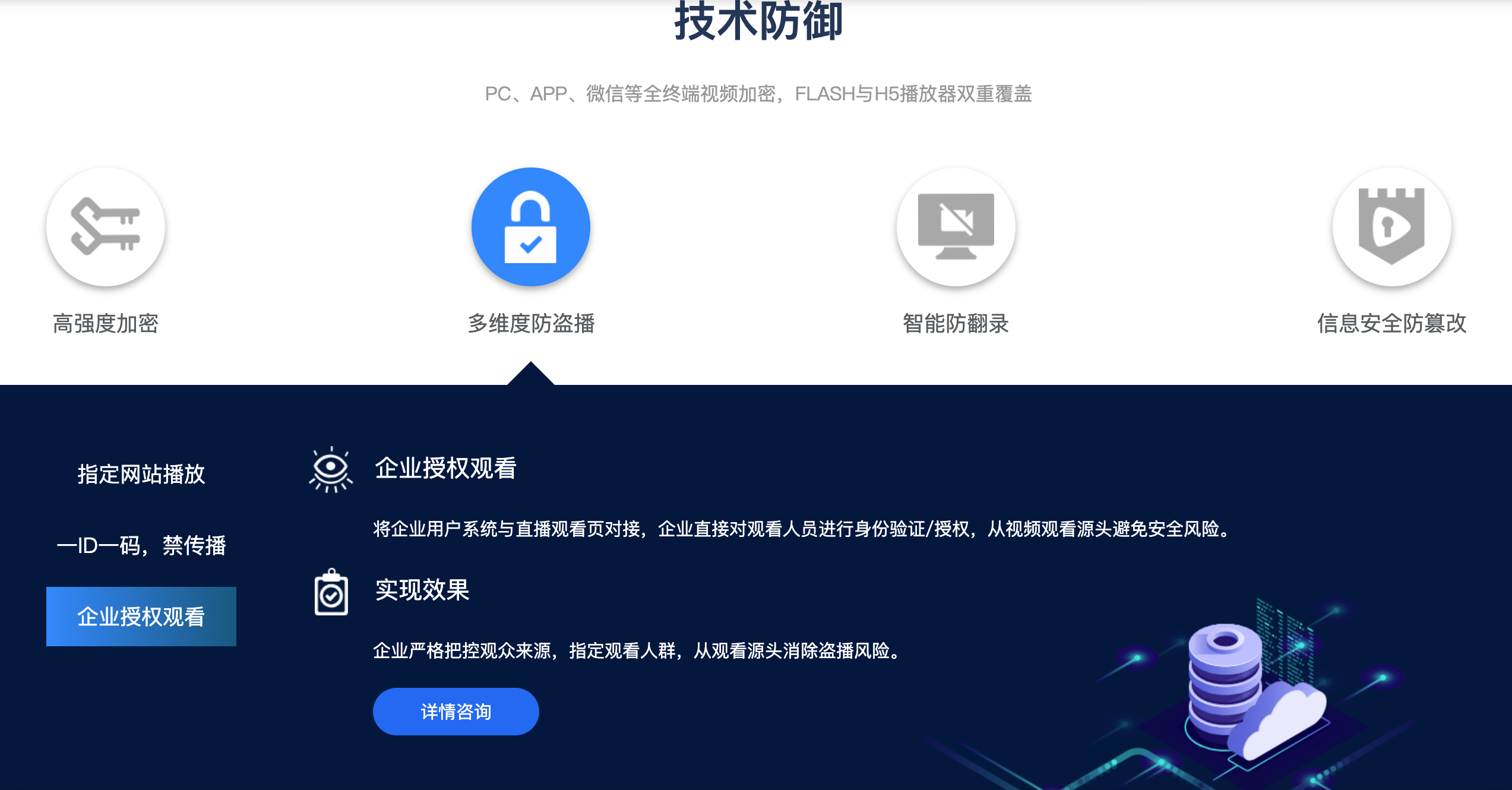
(4) Encrypted Replays with Anti-Piracy Protection and Traceable Watermarks
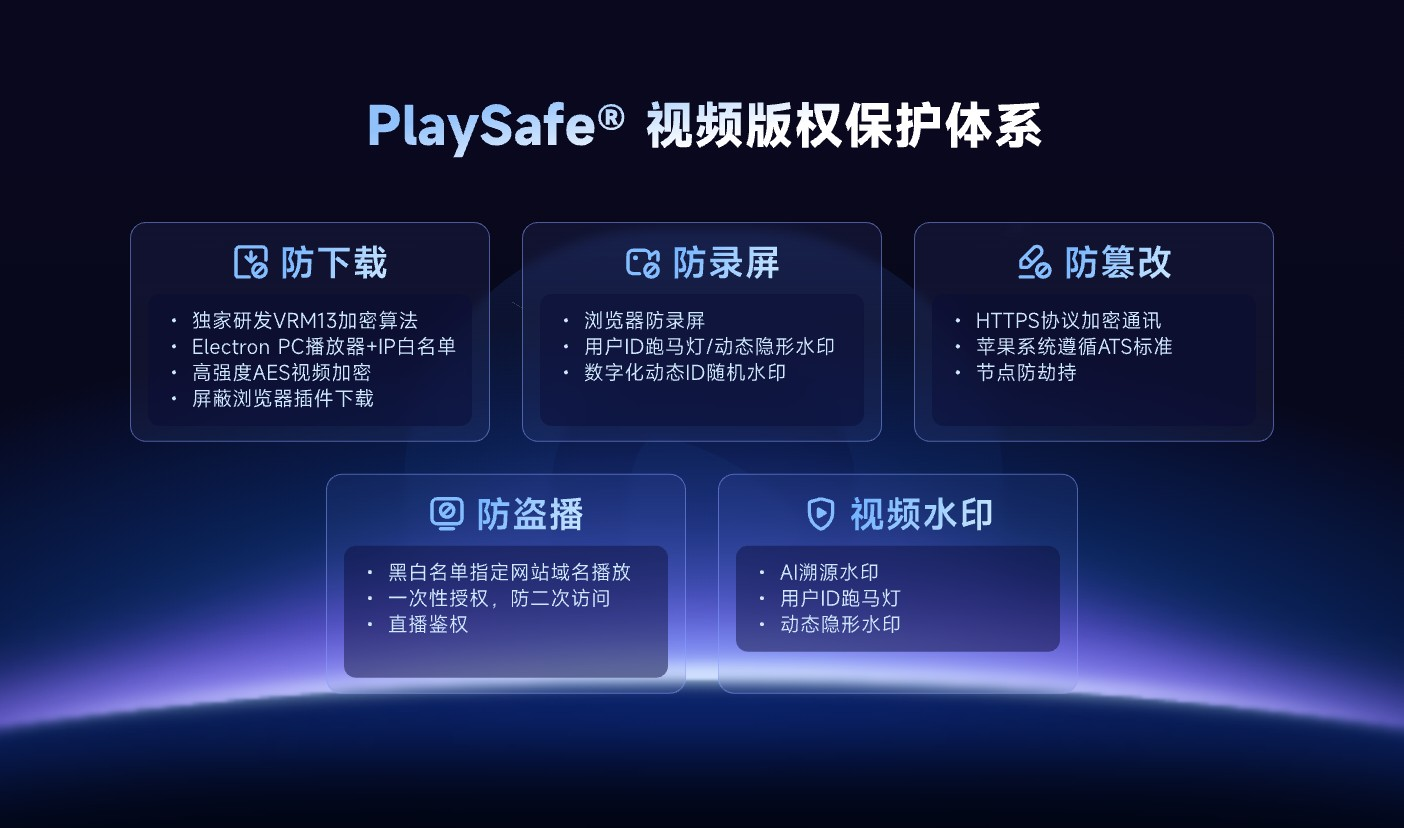
Encrypted replays are generated automatically once the live stream ends. PlaySafe® anti-recording protection is enabled to restrict unauthorized recording and downloading of replay content. Dynamic watermarks linked to viewer identities are overlaid on playback footage, so screenshots leaked externally can be traced back to the source.
Encryption and watermarking confine replays to genuine prospective parents and candidates. Families who miss the live stream can still review major introductions and student sharing for long-tail lead generation, while competitors are prevented from clipping and misusing student works and teaching frameworks. The institution’s original content and core teaching assets are protected during secondary distribution.
III. Core Value of the Solution
The full solution is built around the actual conversion workflow of art exam institutions’ recruitment briefings, filling the capability gaps of generic live streaming tools across guest sharing, achievement display, audience governance and replay protection.
Tailored to the intensive year-end recruitment rhythm of art exam training providers, the solution helps institutions reliably demonstrate professional strength during live briefings, convert viewers into consultation and enrollment leads, and protect core curriculum information and original artwork copyright, supporting efficient lead acquisition throughout the recruitment season.