
Embedding a Livestream Room in a WeChat Mini Program WebView: Standard Page, Custom H5 and Web SDK
A Mini Program WebView opens an H5 page. Compare a standard POLYV room, a custom H5 entry and a Web SDK room by control, integration work and maintenance.
A Mini Program <web-view> opens an H5 page. It can open a POLYV standard viewing page, a company-owned H5 entry that forwards users to that page, or a custom H5 room built with the POLYV Web viewing-page SDK. These three routes have different ownership of login, product navigation and maintenance. The Web SDK runs inside a deployed web page; it is not itself a URL to place in the WebView.
A WebView opens an H5 page; a standard room, H5 entry and Web SDK room create different development responsibilities.

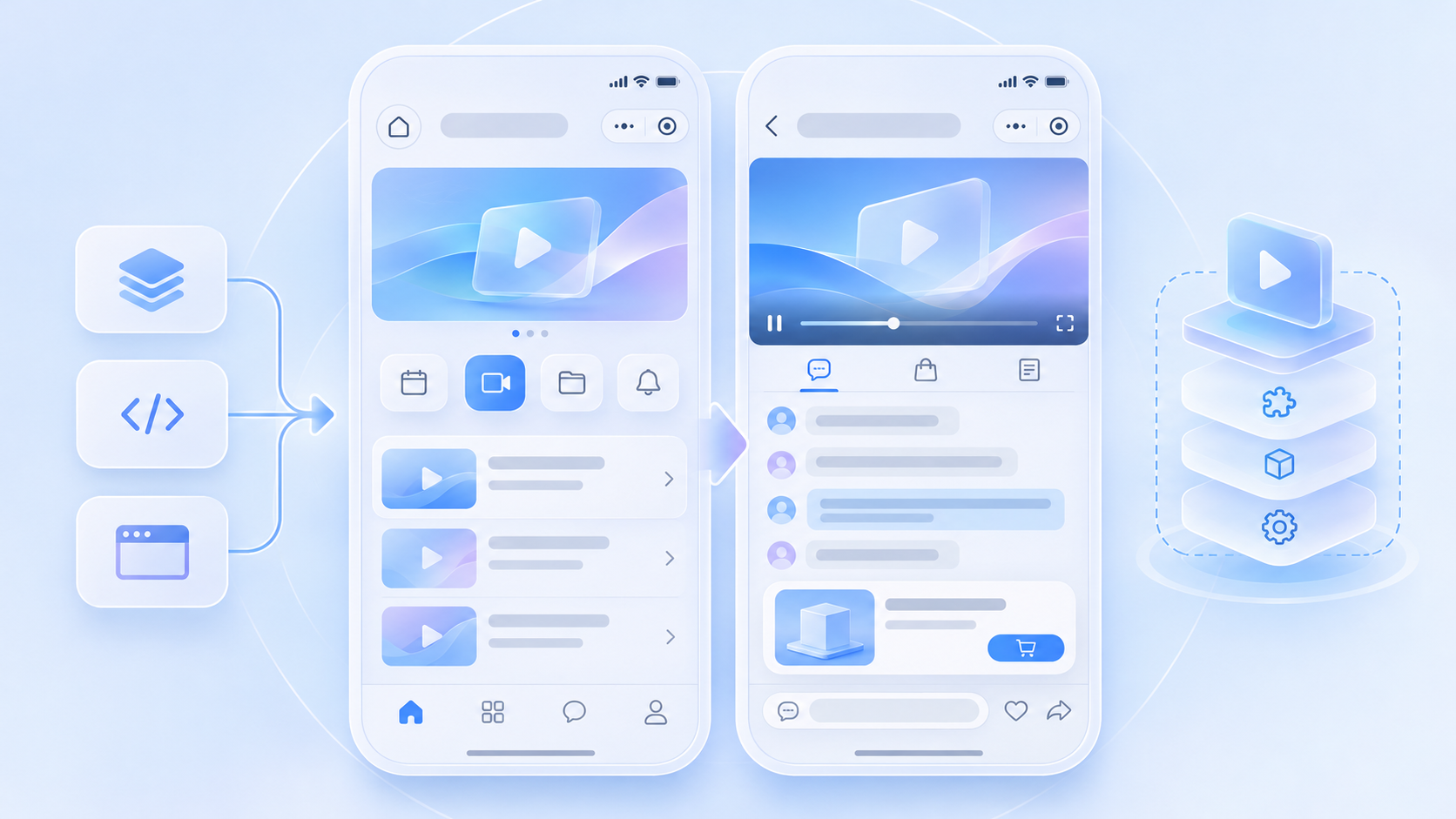
01 / Route one: open the standard viewing page
The Mini Program activity page opens the configured POLYV H5 room with the required channel and campaign parameters. POLYV maintains the core room experience, making this useful when a team accepts a standard UI and has a short launch window. Verify the actual URL and all redirects against WeChat business-domain configuration, then test identity, viewing restrictions, sharing and product destinations with company accounts.
02 / Route two: use a company-owned H5 entry
The Mini Program first opens the company’s web page. That page validates login, records the campaign source and selects a channel before forwarding to the standard room. Once it redirects, the entry page no longer controls the room. An iframe wrapper requires separate confirmation that the standard page permits embedding and testing for cross-origin behavior, full-screen video, page height, sharing and message exchange.
03 / Route three: build an H5 room with the Web SDK
The company deploys its own H5 viewing page and integrates POLYV Web viewing components for playback, chat, interactions and products. The Mini Program opens that page through <web-view>. This enables more control over UI and analytics, while the company owns front-end releases, compatibility, H5-to-Mini-Program messaging and ongoing maintenance.
04 / Design the commerce route before coding
Draw the entire journey: activity page, H5 room, product detail, order and return to the room. Check each domain, WeChat JS-SDK initialization where used, target Mini Program route, parameters and member session. A product button appearing in H5 is not proof that a user can reach the company’s product page and complete an order.
05 / Test small-window playback separately
POLYV’s Mini Program background playback guide describes a WebView live scenario that transitions to a native intermediary page and uses a native video component. Test player state and return behavior on target devices. The documented WebView intermediary applies to live viewing; replay and on-demand video require their respective routes. Native and uni-app component options are available through the developer center for deeper Mini Program integration.
Frequently Asked Questions
Can the Web SDK URL be entered directly in <web-view>? No. Integrate the SDK in a deployed H5 page and use that page’s URL.
Does the standard room automatically connect company orders? No. Define product destinations, identity transfer and order attribution as part of the business integration.
Does a custom H5 room reduce maintenance? It increases UI and business control while making the company responsible for front-end releases and compatibility.
Further Reading
Continue with Can a WebView Directly Embed a Livestream SDK? Three Mini Program Viewing-Page Misconceptions and Livestream Plays but the Product Will Not Open: Troubleshooting WebView Domains and Mini Program Navigation. For the overall integration choice, see the WeChat Mini Program SDK guide. The Chinese edition covers the same task for local teams.
About POLYV
POLYV offers a standard H5 viewing page and a Web viewing-page SDK. Teams can select a WebView route by desired UI control, member authentication and maintenance responsibility, then use the developer center for other endpoints.