
Native WeChat Mini Program vs uni-app: What Development Work Does Livestream Integration Require?
Native and uni-app Mini Programs share channel, login, sharing and product tasks, but differ in component mounting, build output and regression work.
Native WeChat Mini Program and uni-app projects share the same business tasks when adding POLYV livestreaming: channel mapping, viewing access, login, sharing, product navigation and analytics. Their engineering work differs. A native project integrates SDK pages and components directly; a uni-app project mounts a native component in its mp-weixin output and additionally validates build and framework compatibility.
Native and uni-app teams can share a business event contract while implementing and testing different component builds.

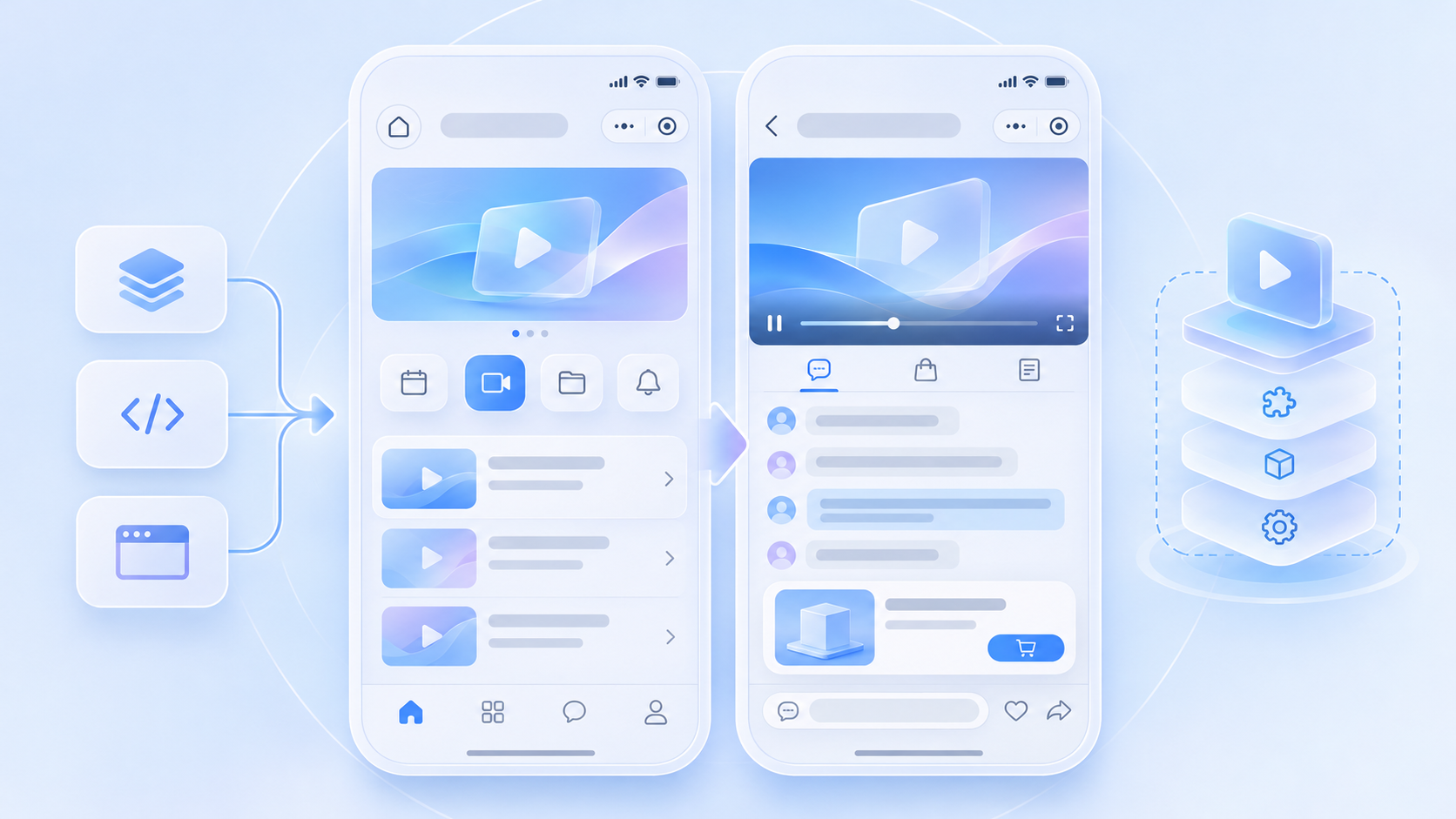
01 / Define a common business contract
Before installing components, map channels to campaigns, member identity to viewing rules, product click to the company’s detail route, and share cards to a return path. Room components do not replace the company’s inventory, orders or course permissions. An event contract prevents a project from reaching a technically playable room with no usable business flow.
02 / Native project work package
Follow the current POLYV native Mini Program SDK documentation to add dependencies, select and configure a plugin or player component, create the viewing page and connect authorization, routing and sharing in the host. Check plugin eligibility or live-player permission under the target AppID; evaluate video where appropriate. Co-hosting adds live-pusher and device-permission checks. Regression must cover page lifecycle and SDK upgrades.
03 / uni-app project work package
The official guide places polyv-live-watch in src/wxcomponents, declares the component in pages.json and mounts polyv-watch-room in a .vue page. The host handles business events. Validate compiled component paths, assets, callbacks, page stack and the uploaded mp-weixin output. This package targets a WeChat Mini Program; apps, H5 and other platforms use their respective SDKs or viewing pages from the developer center.
04 / Hand off versioned deliverables
The native team should supply SDK and component versions, permissions and an experience build. The uni-app team should also provide the build command, wxcomponents package version and compiled-output validation. QA should use identical channels and accounts to compare live, replay, chat, products and login; otherwise channel settings can be mistaken for framework differences.
05 / Treat small-window playback as a task
POLYV’s background playback guide explains how an active native player requests a small window. Both projects run as WeChat Mini Programs, but their component instance and page lifecycle code must be checked in the actual build. Test product navigation, return, exit and stream end on iOS and Android; compilation alone is not acceptance.
Frequently Asked Questions
Must a uni-app project be rewritten as native? No. It can host the native viewing component in its existing mp-weixin project.
Will both projects have identical behavior automatically? Validate the selected SDK, player, channel settings and framework integration case by case.
Is component installation the whole schedule? Include AppID permissions, business interfaces, experience build, WeChat review and dual-platform regression.
Further Reading
Continue with Integrating a POLYV Viewing Room into a uni-app Mini Program: From wxcomponents to Device Testing and What Should a WeChat Mini Program Livestream POC Test? A Script for Live, Replay, Chat, Products and Login. For the overall integration choice, see the WeChat Mini Program SDK guide. The Chinese edition covers the same task for local teams.
About POLYV
POLYV provides corresponding viewing-page integration routes for native WeChat Mini Programs and uni-app mp-weixin builds. Scope work against the current component version, host events and company interfaces using the developer center.